
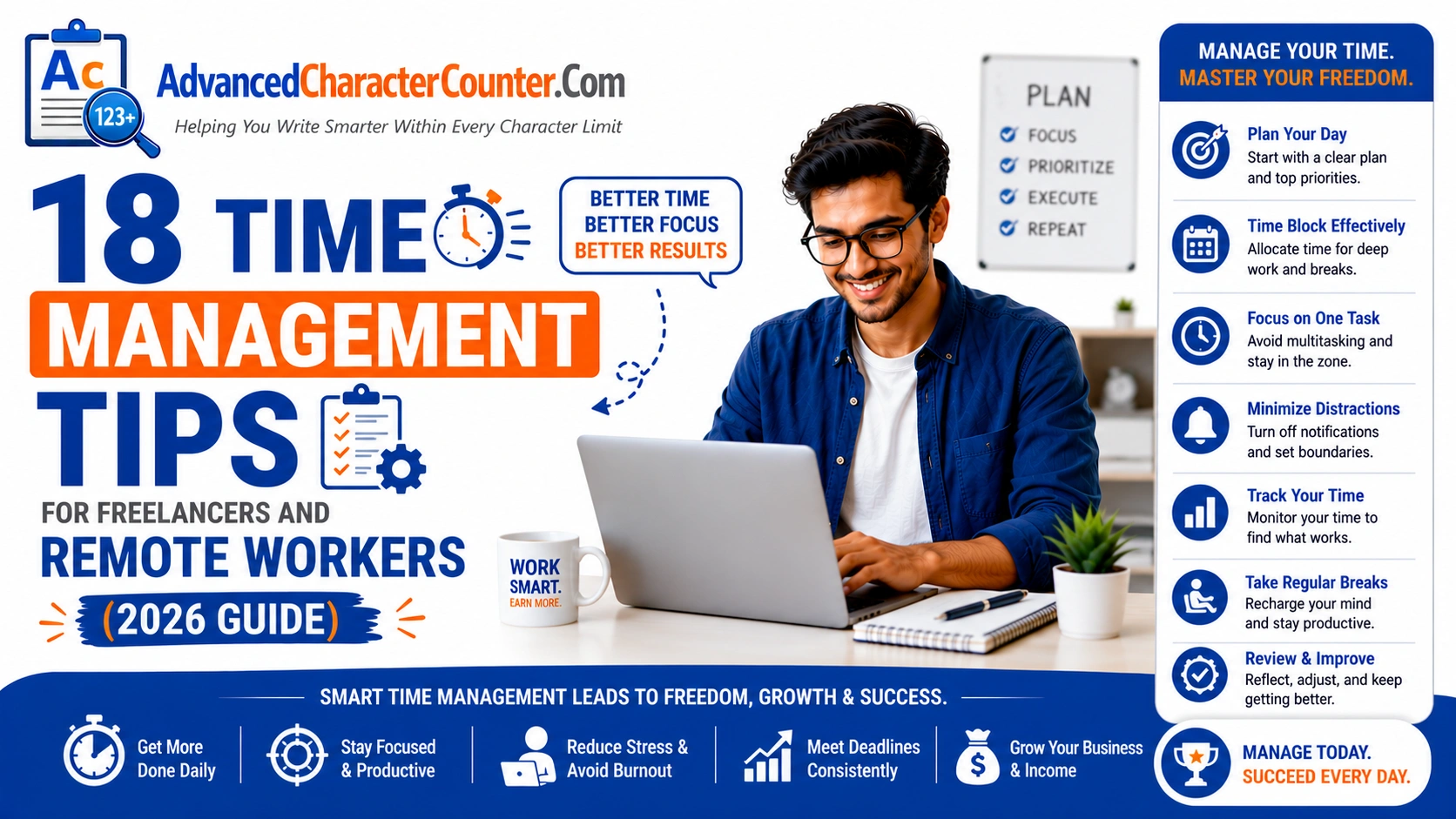
Time is the only resource freelancers can’t buy more of — and it’s the one most commonly mismanaged. Without a manager setting your schedule, a commute to bookend your day, or a team around you to create structure, the freelance workday is a blank canvas that can just as easily become a chaotic mess as a productive masterpiece.
Most freelancers don’t struggle with motivation — they struggle with structure. The same flexibility that makes freelancing so appealing is also its most disruptive feature. When every hour is technically “available,” it becomes strangely hard to use any of them well. Work bleeds into evenings. Mornings disappear into social media. Deadlines arrive faster than they should because the project that felt distant last week never really got started.
The freelancers and remote workers who thrive — who hit their deadlines consistently, maintain good work-life boundaries, and never feel like they’re drowning — haven’t found a magic productivity hack. They’ve built systems. This guide gives you 18 of the most effective ones: practical, tested strategies for managing your time as a self-directed professional.
Part 1: Structuring Your Day
Tip 1: Design Your Workday — Don’t Let It Just Happen
The single most impactful time management change a freelancer can make is to define their workday before it starts rather than reacting to whatever appears in their inbox or to-do list. This means deciding in advance: when you start, when you end, and what the shape of your working hours looks like.
Your designed workday doesn’t need to look like a traditional 9-to-5. In fact, one of freelancing’s great gifts is the ability to match your schedule to your energy and preferences. But it does need to be intentional. Set a start time and honor it. Set an end time and protect it. Everything between those two points becomes your working window — not an infinite, formless stretch of time that gets consumed by whatever demands attention most urgently.
Tip 2: Use Time Blocking to Protect Deep Work
Time blocking is the practice of assigning specific tasks or categories of work to specific blocks of time in your calendar. Instead of a to-do list you work through reactively, you have a schedule that tells you exactly what you should be doing at any given hour.
The key insight behind time blocking is that not all work is created equal. Deep work — the cognitively demanding, high-value work that actually moves projects forward — requires long, uninterrupted stretches of focused attention. Shallow work (emails, admin, quick tasks) can be batched into shorter, defined windows.
A practical time blocking structure for a freelancer might look like:
- 9:00–12:00: Deep work block (primary client project)
- 12:00–1:00: Lunch and break
- 1:00–2:00: Shallow work (email, invoices, platform messages)
- 2:00–4:30: Second deep work block or secondary project
- 4:30–5:00: Admin close-out and next-day planning
Protect your deep work blocks fiercely. Don’t schedule calls, don’t check email, don’t answer Slack. This time is the product.
Tip 3: Identify Your Peak Performance Hours
Every person has a biological peak — a time of day when their cognitive performance, focus, and creative output is at its highest. For most people it’s the first two to four hours of the working day. For some it’s late morning. For night owls it might be evening. Whatever your peak is, identify it empirically (track your energy and output for a week) and protect it for your most demanding work.
Putting administrative tasks, calls, and meetings during your peak hours is one of the most common and costly productivity mistakes freelancers make. Schedule low-demand tasks when your energy is lower, and save your best hours for your best work.
Tip 4: Batch Similar Tasks Together
Context switching — jumping between different types of tasks — has a real cognitive cost. Every time you shift from writing to email to design to admin, your brain needs time to re-orient. Research suggests this switching cost can consume up to 40% of productive time across a workday.
Batching solves this. Group all your emails together, all your admin together, all your client calls together, all your creative work together. Instead of checking email every 20 minutes throughout the day, check it twice — once mid-morning and once mid-afternoon. Instead of mixing writing and design work, give each its own block.
Tip 5: Plan the Night Before
One of the most underrated productivity habits is spending five to ten minutes at the end of each workday planning the next one. Decide what your three most important tasks are for tomorrow, block the time for them in your calendar, and close down mentally.
This practice does two things. First, it prevents the “where do I even start?” paralysis that kills productive mornings. Second, it allows your subconscious to process tomorrow’s challenges overnight — many freelancers find they arrive at the morning with ideas already forming on problems they defined the evening before.
Part 2: Managing Projects and Deadlines
Tip 6: Use a Project Management System Consistently
A to-do list on a sticky note is a system, technically — but it breaks down fast when you’re juggling multiple clients, multiple projects, and multiple deadlines simultaneously. Every freelancer needs a project management system that’s reliable, visible, and complete.
Options range from simple to robust: Notion and Trello are excellent for visual thinkers. Asana works well for task-based workflows with deadlines and dependencies. ClickUp offers powerful customization for complex project portfolios. Even a well-organized Google Sheets tracker works if you use it consistently.
What matters is consistency. Pick one system, put everything in it, and review it at the start of every working day. The tool is less important than the habit.
Tip 7: Break Every Project Into Concrete Next Actions
“Write the report” is not a task — it’s a project. “Write the executive summary section (300 words)” is a task. The difference matters enormously in the moment when you sit down to work.
Large, vague items on a to-do list cause procrastination because the brain doesn’t know where to start. Breaking every project into specific, concrete next actions (what is the very next physical action required to move this forward?) removes the friction that leads to delay. Every project on your plate should always have a specific next action defined, ready to execute.
Tip 8: Work Backwards From Deadlines
When a new project arrives, the first thing to do before any work begins is to map the timeline backwards from the deadline. If the final delivery is due on the 30th, when does the revision round need to complete? When does the first draft need to go to the client? When does the research need to be done? When do you need to start?
Working backwards transforms a single deadline into a series of internal checkpoints that keep the project on track throughout its life, not just at the end when panic sets in. Most missed deadlines happen because the intermediate milestones were never defined.
Tip 9: Protect Yourself With Buffer Time
Experienced freelancers know a truth that beginners learn the hard way: everything takes longer than you think it will. Research takes longer. Revisions take longer. Feedback rounds take longer. Technical problems appear out of nowhere.
Build buffer time into every project estimate. If you think something will take five days, quote six or seven. If your client asks for a one-week turnaround, commit to ten days. This isn’t dishonesty — it’s professional risk management. The freelancers who consistently deliver on time do so because they promise less than the maximum possible and deliver on or before what they’ve promised.
Part 3: Focus and Concentration
Tip 10: Eliminate Digital Distractions Deliberately
The smartphone is the enemy of freelance productivity. Notifications from social media, messaging apps, news apps, and email are designed by some of the world’s most sophisticated engineers to interrupt your attention — and they do it effectively.
During deep work blocks, take deliberate action to remove these interruptions: put your phone in another room (not just face-down — the physical presence of a phone reduces cognitive performance even when it’s silent), use website blockers (Freedom, Cold Turkey, or Focus app) to block distracting sites, and close unnecessary tabs.
This isn’t about willpower — it’s about making the right choice the default. Remove the temptation structurally rather than fighting it with discipline in every individual moment.
Tip 11: Use the Pomodoro Technique for Sustained Focus
The Pomodoro Technique is one of the most widely used and empirically supported focus methods: work in 25-minute focused sprints, followed by a 5-minute break. After four Pomodoros, take a longer break of 15–30 minutes.
This structure works because it makes focused work feel manageable (anyone can focus for 25 minutes), because it legitimizes regular breaks (which are essential for sustained performance), and because it creates a rhythm that builds momentum over the course of a working day.
Adapt the intervals to your work style — some freelancers prefer 50-minute deep work sessions with 10-minute breaks. The principle remains: defined sprints of focused work with intentional breaks, rather than an undifferentiated, attention-eroded grind.
Tip 12: Create a Dedicated Workspace
The environment in which you work has a significant impact on your ability to focus. Working from your bed, from the couch, or from a kitchen table shared with family creates context blending — the brain struggles to shift into “work mode” in spaces it associates with rest, relaxation, or domestic life.
If possible, designate a specific workspace that is used only for work: a dedicated home office, a desk that’s only for professional activities, or a co-working space. The consistent, intentional use of this space trains your brain to shift into focused mode when you sit down in it — what behavioral scientists call a “context cue.”
If a dedicated room isn’t possible, even a specific desk setup, a particular pair of headphones, or a specific playlist can serve as a context cue that signals “work time” to your brain.
Tip 13: Manage Your Energy, Not Just Your Time
Time management is really energy management. You can have 8 hours available on paper and accomplish almost nothing if your physical and mental energy is depleted. Treat the factors that affect your energy — sleep, exercise, nutrition, stress levels — as non-negotiable business infrastructure, not optional personal luxuries.
Specifically: protect sleep duration and quality (chronic sleep deprivation is one of the biggest silent productivity killers), schedule movement into your workday (even a 20-minute walk improves cognitive performance significantly), and eat in a way that sustains energy rather than creating the post-lunch energy crash that kills afternoon productivity.
Part 4: Boundaries and Sustainability
Tip 14: Set and Communicate Clear Availability Windows
One of the most productivity-destructive patterns for freelancers is being always available — responding to client messages at 11pm, taking calls on weekends, delivering “urgent” work on a Sunday because the client asked. This erodes boundaries, trains clients to expect 24/7 availability, and leads directly to burnout.
Define your availability hours and communicate them proactively. “My working hours are Monday through Friday, 9am–6pm [timezone]. I respond to messages within one business day.” State this in your onboarding welcome message to every new client and uphold it consistently. Most clients will respect it — and if a client doesn’t, that tells you something important about the relationship.
Tip 15: Learn to Say No to Low-Value Work and Interruptions
Every yes is a no to something else. Every low-value project you take on occupies time and mental space that could be spent on higher-value work. Every interruption you allow consumes focus that takes 23 minutes (on average) to fully recover.
Saying no — to underpaying projects, to clients who don’t respect your time, to “quick calls” that aren’t actually quick, to requests outside your scope — is a core productivity skill. It gets easier with practice, and the quality of your time improves dramatically as you exercise it.
Tip 16: Schedule Genuine Downtime
Counter-intuitive but essential: scheduled rest makes you more productive, not less. The freelancers who try to fill every available hour with work experience diminishing returns — creativity dips, quality drops, errors increase, and eventually burnout forces a stop that’s longer than any planned break would have been.
Block genuine downtime in your calendar the way you’d block client work. Protect weekends (or whatever your rest days are). Take real lunch breaks away from your screen. Schedule activities that recharge you — exercise, social connection, hobbies — and treat them as firm appointments, not optional extras when work permits.
Tip 17: Review and Adjust Your System Weekly
Time management isn’t a one-time setup — it’s an ongoing practice. A weekly review (30–45 minutes, typically Friday afternoon or Sunday evening) helps you close out the week cleanly, capture lessons learned, and set up the next week for success.
During your weekly review: review what you completed and what didn’t get done, identify patterns (recurring interruptions? tasks that consistently get postponed?), update your project list, plan your three most important outcomes for next week, and check your upcoming deadlines.
This practice compounds significantly over time. Freelancers who review and adjust their systems weekly are substantially more productive over the course of a year than those who keep running the same broken patterns without reflection.
Tip 18: Track Your Time (Even If You Don’t Bill Hourly)
Time tracking isn’t just for hourly billing — it’s a critical self-awareness tool. Most freelancers significantly overestimate how much time they spend on productive work and underestimate how much is lost to context switching, shallow tasks, and distraction.
Tools like Toggl, Harvest, or Clockify make time tracking frictionless. Track your time for two weeks without changing your behavior. The data you collect will reveal patterns you had no idea existed: the morning hour that disappears to email, the project that consistently takes twice your estimate, the admin tasks that consume a third of your week.
Once you can see where your time actually goes, you can make informed decisions about how to spend it better.
Final Advice
The goal of time management isn’t to work more hours — it’s to work better hours. The most productive freelancers aren’t grinding from dawn to midnight; they’re working four to six highly focused, well-structured hours and protecting the rest for recovery, creativity, and life outside work.
Start with one or two of these strategies rather than overhauling everything at once. Build the habit until it’s automatic, then add another. The compounding effect of several well-embedded systems is far more powerful than a sweeping productivity overhaul that you abandon in three weeks.
Your time is your only non-renewable asset. Build systems that protect it, use it well, and leave enough of it for the life that freelancing is supposed to be funding.
Frequently Asked Questions (FAQs)
Q1: What is the best time management method for freelancers?
Time blocking combined with a clear project management system is the most effective approach for most freelancers. Designate specific blocks of time for deep work, batch shallow tasks, and plan the next day before you close out. Supplement with the Pomodoro Technique during focus blocks for added structure.
Q2: How do I stop procrastinating as a freelancer?
Procrastination almost always stems from tasks being too large or vague. Break every project into the smallest possible concrete next actions. Start with just two minutes on the task — the hardest part is starting, and momentum usually takes over once you do. Also check whether the task is scheduled in a low-energy time slot and move it to your peak hours if so.
Q3: How many hours should a freelancer work per day?
Quality matters far more than quantity. Most freelancers are genuinely productive for four to six focused hours per day. Trying to work eight or more hours of deep work daily leads to diminishing returns and burnout. Structure your day around your best hours and protect them — and don’t feel guilty when you finish earlier than a traditional workday if the work is done.
Q4: How do I separate work and personal life when working from home?
Create spatial, temporal, and ritualistic separations. A dedicated workspace, defined start/end times, and a consistent ritual (a walk, a specific playlist, a cup of tea) that marks the beginning and end of your workday all help your brain switch between work and rest mode in an environment where the two can otherwise blur.
Q5: What’s the best project management tool for freelancers?
For solo freelancers, Notion (flexible, all-in-one), Trello (visual, simple), or even a well-structured spreadsheet work well. For freelancers managing multiple clients and complex projects, Asana or ClickUp offer more robust task management. The best tool is the one you’ll actually use consistently.
Q6: How do I handle clients who message me outside working hours?
Set expectations proactively at onboarding: communicate your availability hours clearly and stick to them. Don’t respond to after-hours messages outside emergencies — responding consistently outside your hours trains clients to expect it. Most clients respect boundaries when they’re stated early and maintained professionally.
Q7: How do I manage time when I have multiple clients simultaneously?
Use time blocking to dedicate specific days or time slots to specific clients. Color-code your calendar by client. Use a project management system that gives you a clear view of all deadlines across all clients. And be honest with yourself about capacity — taking on more clients than your time can support is a recipe for missed deadlines and damaged relationships.