
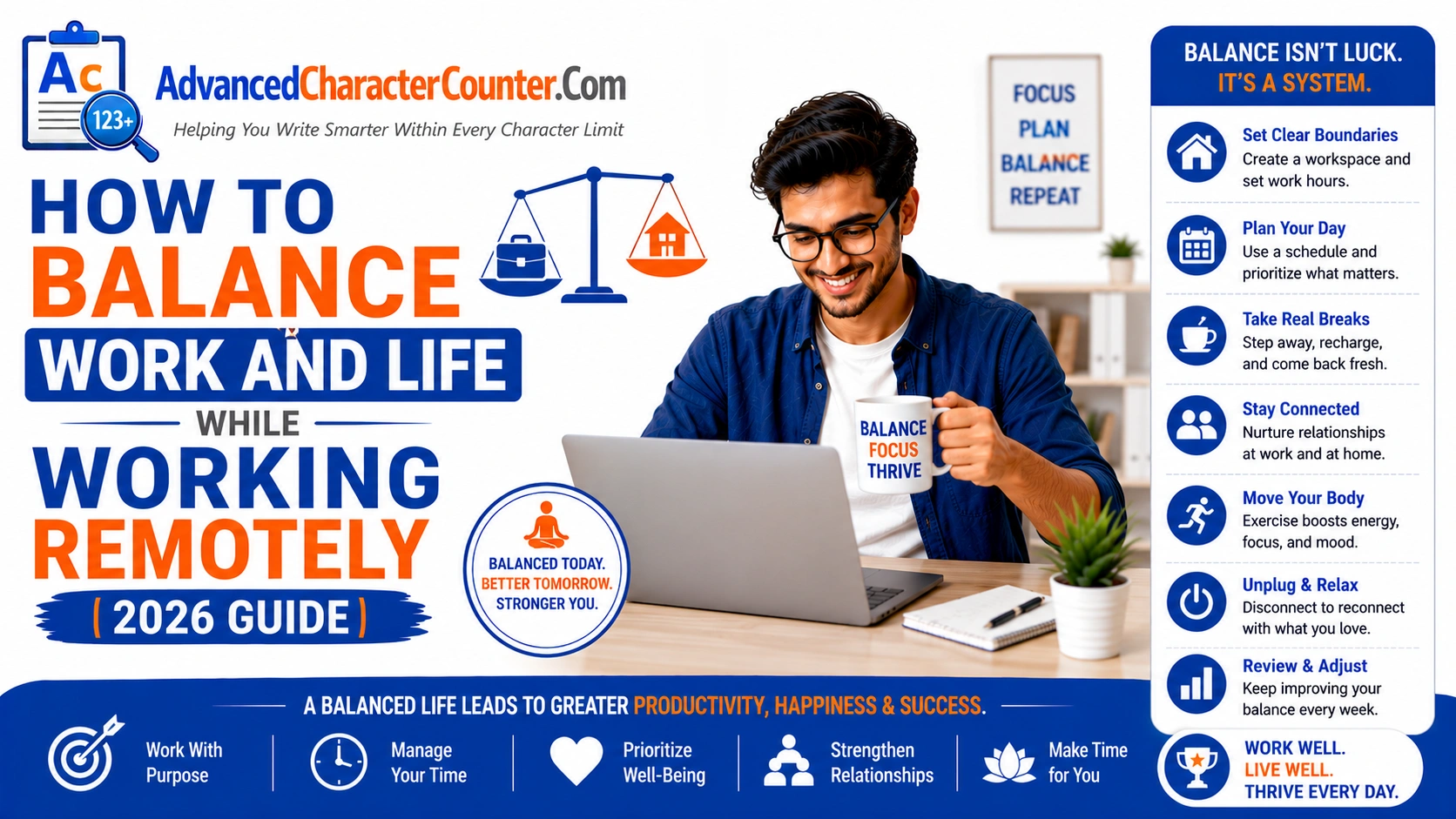
Working remotely offers incredible benefits — no commute, flexibility, the comfort of your own space, and more time with family. But it also comes with a hidden challenge that catches nearly every remote worker off guard: the blurring of boundaries between professional and personal life.
When your home becomes your office, it’s all too easy for work to seep into every corner of your day — and your mental health. Emails at dinner. Slack messages during family time. The laptop always visible, always calling. Without intentional boundaries and smart strategies, remote work can actually feel more exhausting and intrusive than a traditional office job.
This guide explores practical, research-backed strategies to help you build a healthy, sustainable work-life balance while working remotely — so you can perform at your best professionally without sacrificing what matters most personally.
1. Create a Dedicated Workspace
One of the most effective ways to maintain work-life balance is to physically separate your work environment from your living space. If possible, designate a specific room or area exclusively for work. This doesn’t have to be a formal home office — a dedicated corner of a room with a proper desk, good lighting, and minimal distractions will do.
The psychological impact of a dedicated workspace is powerful. When you sit at your desk, your brain understands it’s time to work. When you leave it, your brain gets the signal to shift into personal mode. This physical transition — however small — is one of the most effective tools for boundary-setting that remote workers have.
Avoid working from your bed or couch. Beyond the ergonomic concerns, working from spaces associated with rest makes it harder for your mind to wind down at the end of the day.
2. Set and Protect Clear Working Hours
Without a commute or office hours to structure your day, working hours can expand indefinitely. You might start answering emails before breakfast and find yourself reviewing documents after dinner — slowly eroding all personal time.
Define your working hours explicitly and communicate them to your employer, colleagues, and clients. Block them in your calendar. Set up automatic status messages in Slack or Teams indicating when you’re offline. Use ‘Do Not Disturb’ settings on your phone and computer outside of work hours.
Be equally disciplined about starting and stopping on time. Workaholism is one of the most common pitfalls of remote work — and it leads directly to burnout. Remind yourself that sustainable performance over time is always more valuable than short-term overexertion.
3. Establish a Morning Routine
The way you start your morning sets the tone for the entire day. Working remotely removes the natural structure of a commute — which, despite being inconvenient, actually provided mental transition time between personal life and work mode.
Create a morning routine that serves the same function. This might include exercise, a nutritious breakfast, journaling, meditation, or simply getting dressed (yes, getting out of pajamas matters more than you think). The routine doesn’t need to be elaborate — but it should be consistent and signal clearly: ‘The workday is beginning.’
Research consistently shows that people who have structured morning routines report higher productivity, better mood, and improved work-life balance compared to those who roll straight from sleep into work.
4. Use Time Blocking and Task Management
When working remotely, there’s no external structure imposing discipline on your schedule. Without it, you can easily spend entire days reactive — responding to messages, attending unplanned calls, and never doing the deep, meaningful work that actually moves things forward.
Time blocking is a powerful antidote. Each morning (or the night before), schedule your day in blocks: focused work time, meetings, email processing, breaks, and hard stop time. Treat these blocks as real appointments. Tools like Google Calendar, Notion, or Fantastical make this straightforward.
Pair time blocking with a simple task management system. Identify your top three priorities each day — the tasks that, if completed, would make the day a success. Everything else is secondary. This clarity prevents the overwhelming feeling of an infinite to-do list and helps you finish the workday with a sense of genuine accomplishment.
5. Take Regular, Intentional Breaks
In an office, breaks happen naturally — a walk to the printer, a chat at the water cooler, a coffee run. At home, these micro-breaks disappear, and people end up sitting at their desks for hours without movement or mental rest.
Schedule breaks intentionally. The Pomodoro Technique — 25 minutes of focused work followed by a 5-minute break — is a widely used and effective approach. During breaks, truly disengage: step away from your screen, stretch, take a short walk, grab a snack, or simply sit quietly for a few minutes.
Protect your lunch break as sacrosanct. Eat away from your desk. Use that time to recharge, connect with someone you care about, or simply enjoy a few minutes of peace. Workers who take proper lunch breaks are measurably more productive in the afternoon than those who eat while working.
6. Set Communication Boundaries and Manage Notifications
Constant digital interruptions are one of the biggest contributors to remote work stress. Every ping, notification, and message pull pulls you out of focused work and invades your personal time.
Take control of your notification settings. Turn off non-essential notifications during focus periods. Set clear response time expectations with your team — for example, ‘I typically respond to messages within 4 hours during business hours.’ Most communication is not as urgent as it feels in the moment.
After working hours, resist the temptation to check work messages. Create a firm ‘log off’ ritual — close your laptop, change your Slack status to offline, and mentally transition to personal time. If something truly urgent requires after-hours attention, your team can call you. Everything else can wait.
7. Prioritize Physical Movement
Sedentary behavior is a serious health risk for remote workers. Without the natural movement built into commuting and an office environment, it’s easy to go entire days with barely 1,000 steps. This takes a significant toll on both physical and mental health.
Build movement into your daily schedule deliberately. This might mean a morning run, a lunchtime walk, afternoon yoga, or evening cycling. Even standing up and moving for 5 minutes every hour can make a meaningful difference in energy levels, mood, and cognitive performance.
If you can, consider a standing desk or a desk treadmill. At minimum, set an hourly movement reminder using your phone or smart watch. Your body — and your brain — will thank you.
8. Maintain Social Connection
Remote work can be profoundly isolating. Without the casual social interactions of an office — team lunches, desk-side conversations, birthday celebrations — many remote workers report feelings of loneliness, disconnection, and even depression.
Actively protect your social life. Schedule regular video calls with colleagues — not just for work, but for genuine human connection. Join coworking spaces a few days a week if solitude is affecting your wellbeing. Make plans with friends and family during personal time, and protect those plans with the same seriousness you apply to work commitments.
Many remote workers also benefit from joining online communities — Slack communities, Discord servers, LinkedIn groups — related to their profession. Professional connection and peer support can meaningfully offset the isolation of working alone.
9. Define a Clear End-of-Day Ritual
Just as a morning routine signals the start of the workday, an end-of-day ritual signals its conclusion. This is especially important for remote workers because there’s no physical departure from an office to trigger the psychological shift out of work mode.
Your ritual might include reviewing your to-do list and noting what’s completed, writing tomorrow’s top three priorities, shutting down your computer completely (not just putting it to sleep), changing out of work clothes, or going for a post-work walk. Choose whatever works for you — the key is consistency.
Over time, this ritual trains your nervous system to recognize that the workday is genuinely over, making it easier to be fully present during personal time and to sleep more soundly at night.
10. Schedule Regular Digital Detoxes
Prolonged screen time — especially common among remote workers — contributes to eye strain, sleep disruption, anxiety, and cognitive fatigue. Regular digital detoxes are not a luxury; they’re maintenance.
Consider implementing a ‘no screens’ period each evening — perhaps the last 60–90 minutes before bed. Use this time for reading, cooking, creative hobbies, or meaningful conversation. On weekends, resist the urge to check work messages. Schedule at least one full day each week where work is genuinely off the table.
Vacations matter too. Many remote workers report struggling to truly disconnect during time off. Make a conscious commitment to fully unplug — set an out-of-office reply, hand off responsibilities, and actually rest. The productivity gains you’ll experience upon returning more than justify the temporary absence.
Final Advice
Work-life balance while working remotely isn’t something that happens automatically — it’s something you architect intentionally, day by day. The freedom of remote work is real and valuable, but it requires a level of self-awareness and proactive boundary-setting that traditional office work doesn’t demand.
Start with the basics: a dedicated workspace, defined working hours, and a consistent daily routine. Layer in time management strategies, physical movement, and genuine social connection. And above all, remember that your worth as a professional is not measured by how many hours you spend ‘at work’ — but by the quality, focus, and impact of the work you produce.
Protect your personal time fiercely. You’ll be a better remote worker — and a happier human being — for it.
Frequently Asked Questions (FAQs)
How do I stop thinking about work after hours?
Establish a consistent end-of-day ritual, avoid checking work communications after your defined work hours, and engage in activities that fully occupy your attention — exercise, cooking, reading, social time. Over time, the psychological boundary strengthens.
What if my employer expects me to be available 24/7?
This is a conversation worth having directly. Most reasonable employers recognize the value of sustainable working patterns. Discuss your availability expectations clearly, propose a workable arrangement, and document any agreed boundaries in writing.
How do I deal with distractions at home?
Identify your primary distraction sources — household noise, family members, social media — and address each specifically. Noise-canceling headphones, a do-not-disturb sign, website blockers, and clear household agreements about your work hours all help significantly.
Is it normal to feel lonely working remotely?
Extremely. Studies show that loneliness is one of the most reported challenges of remote work. Proactively building in social connection — virtual and in-person — is essential. Don’t wait until isolation becomes severe to address it.
How many hours should a remote worker work each day?
The same as any employee: typically 8 hours for full-time roles, or whatever your employment agreement specifies. The goal of remote work should be efficient, focused work within those hours — not longer hours to prove productivity. Quality always outperforms quantity.